Audio conversion · 5 min read · Updated June 2026
MP4 to MP3: What Bitrate Should You Choose?
When people convert MP4 to MP3, they usually want the audio from a lecture, meeting, podcast clip, screen recording, or music video. The best setting depends less on the video and more on what the audio contains.
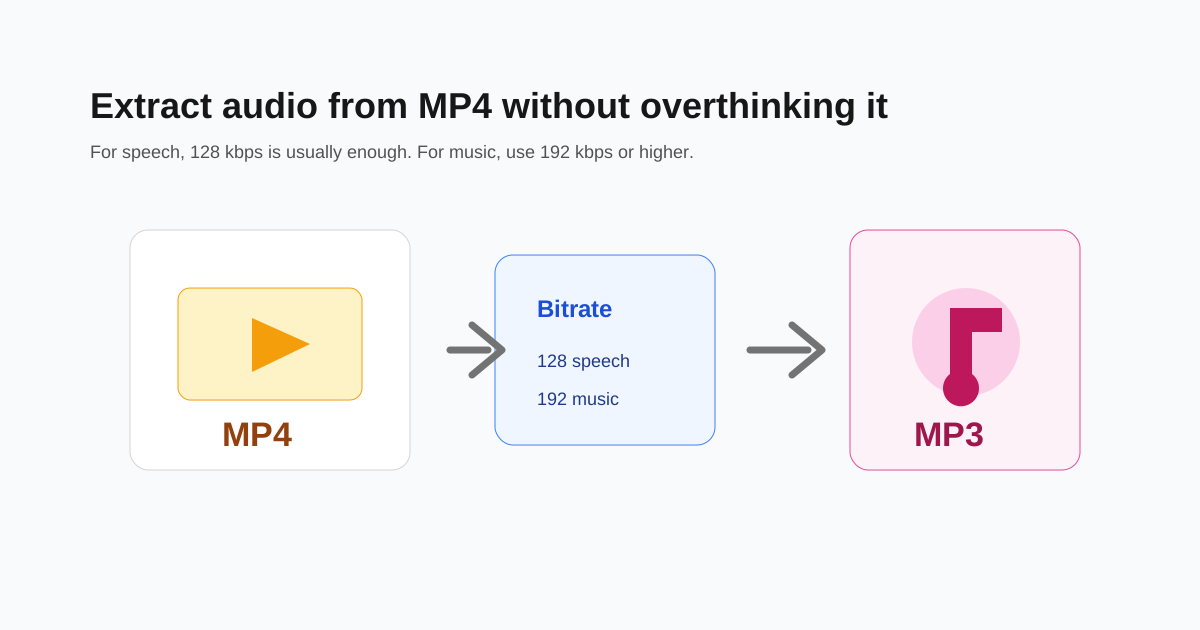
Use 128 kbps for speech in most cases
For lectures, voice notes, meetings, and interviews, 128 kbps is usually clear enough and keeps the file small. If the source audio is noisy, a higher bitrate will not magically clean it.
Use 192 kbps or higher for music
Music has more detail than speech. If the MP4 contains a song, performance, or high-quality audio, 192 kbps is a safer default. Use 320 kbps only when you want a larger file for quality headroom.
- - 64-96 kbps: small voice notes, rough drafts.
- - 128 kbps: lectures, meetings, podcasts, most speech.
- - 192 kbps: music clips and cleaner audio.
- - 320 kbps: larger files when quality matters more than size.
Trim before converting if you only need a section
If you only need the middle five minutes of a long video, trim the video or audio first. Shortening the clip reduces file size without lowering quality.
Check copyright before sharing
Converting a video to MP3 for personal organization is different from redistributing copyrighted audio. Only share files you own or have permission to use.
Questions people ask
Does MP4 to MP3 improve audio quality?
No. Conversion cannot improve the original audio. It can only preserve it at a chosen bitrate or make it smaller.
What bitrate is best for lectures?
128 kbps is usually enough for lectures and spoken recordings.
Can I extract only part of the audio?
Yes. Trim the clip before or after extraction if you only need a specific section.