Data conversion · 6 min read · Updated June 2026
How to Convert JSON to Excel So People Can Actually Review It
JSON is great for APIs and apps, but it is not comfortable for a manager, client, or operations team to review. Converting JSON to Excel makes records easier to filter, sort, annotate, and check.
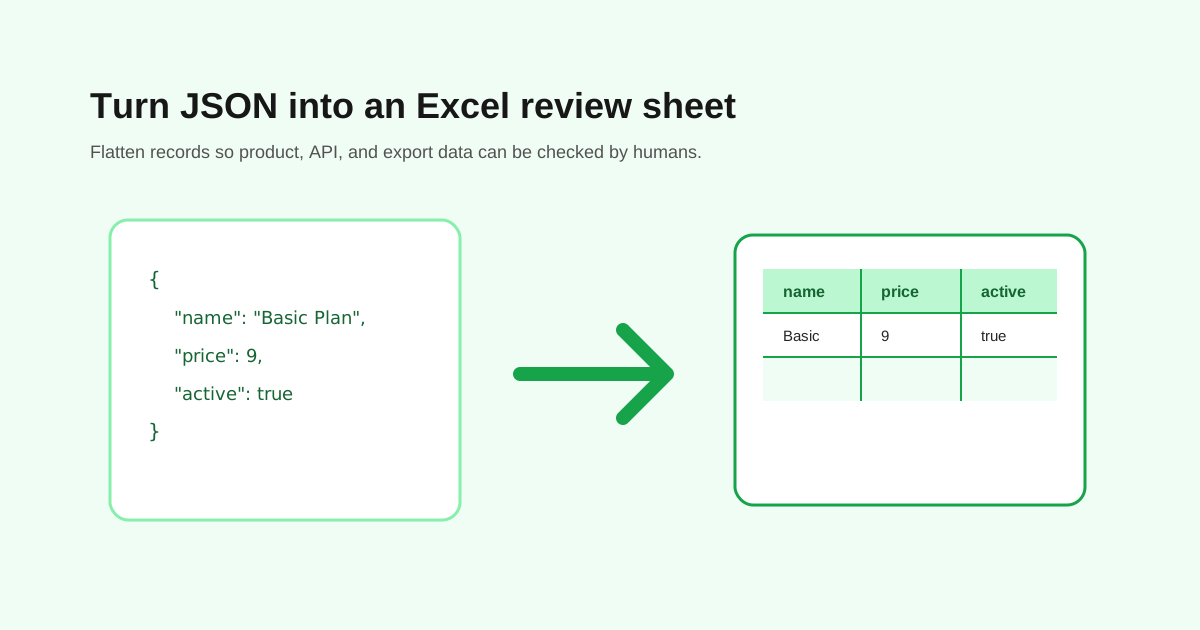
Start with the shape of the JSON
The easiest JSON to convert is an array of similar objects: one object per record, with consistent keys. Product lists, user exports, event logs, and order records often work this way.
Deeply nested JSON is harder. A customer record with addresses, orders, tags, and preferences may need flattening before it becomes a readable spreadsheet.
Watch nested fields
Nested objects may become columns with longer names, such as customer.email or billing.address.city. Arrays may be joined into one cell or expanded into multiple rows depending on the converter.
- - Flat records usually convert cleanly.
- - Nested objects need readable column names.
- - Arrays may need a separate sheet or manual cleanup.
- - Missing keys create blank cells.
- - Mixed data types should be checked before import.
Check IDs, dates, and booleans
Excel may treat values differently from JSON. Long IDs can turn into scientific notation, dates can be reformatted, and true or false values may become text. Check those fields before sending the spreadsheet to another system.
Use Excel for review, not as the only source of truth
Once JSON becomes a spreadsheet, the structure is easier for humans but less precise for systems. Keep the original JSON export, especially if you may need to import the data back into an app.
Questions people ask
What JSON converts best to Excel?
An array of similar objects converts best because each object can become one spreadsheet row.
What happens to nested JSON?
Nested fields may be flattened into columns or require manual cleanup, depending on how complex the structure is.
Can I convert Excel back to JSON later?
Yes, but review data types, blank fields, and nested structure carefully before importing it into another system.