Subtitle conversion · 5 min read · Updated June 2026
SRT to VTT: How to Prepare Captions for HTML5 Video
SRT is common in editing tools and subtitle downloads. VTT is the format browsers expect for HTML5 video tracks. Converting between them is usually simple, but small syntax details can stop captions from loading.
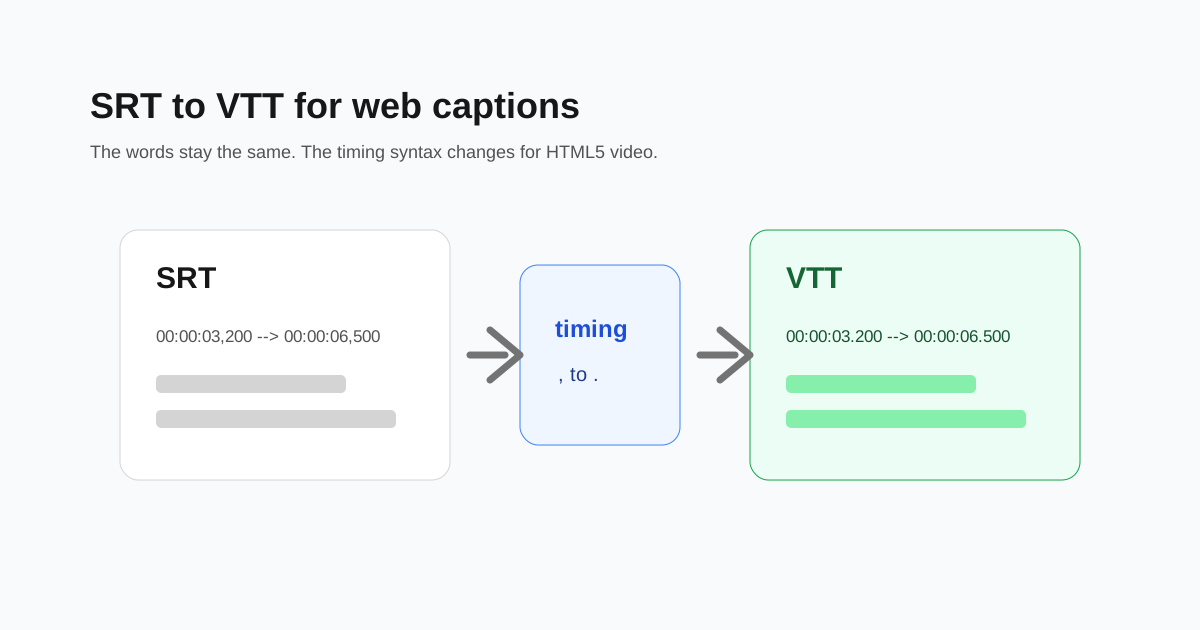
What changes during conversion
The caption text usually stays the same. The converter adds the WebVTT header and changes timestamp commas to periods. That tiny punctuation change matters to browsers.
Check the timing after conversion
Open the video with the VTT file and watch the first minute. If captions appear too early or too late, the source SRT timing was already off and needs adjustment.
- - SRT time: 00:00:03,200
- - VTT time: 00:00:03.200
- - VTT files should start with WEBVTT.
- - Save the file with a .vtt extension.
Use VTT for web players
For HTML5 video, learning platforms, documentation sites, and many web players, VTT is usually the safer format. SRT remains common for video editors and captioning tools.
Keep a copy of the original SRT
If you plan to edit captions later, keep the original SRT. It is widely supported and easy to hand-edit when timings or spelling need cleanup.
Questions people ask
Why does HTML5 video need VTT?
The HTML track element expects WebVTT for captions in most browser workflows.
Can I rename .srt to .vtt?
No. The file syntax also needs to change, including the WebVTT header and timestamp punctuation.
Will conversion translate captions?
No. It changes subtitle format, not language.