Web images · 6 min read · Updated June 2026
AVIF vs WebP vs JPG: Which Format Should Website Images Use?
Modern image formats can make a website faster, but the best choice is not the same for every file. Photos, screenshots, logos, product images, and old browser fallbacks all have different needs.
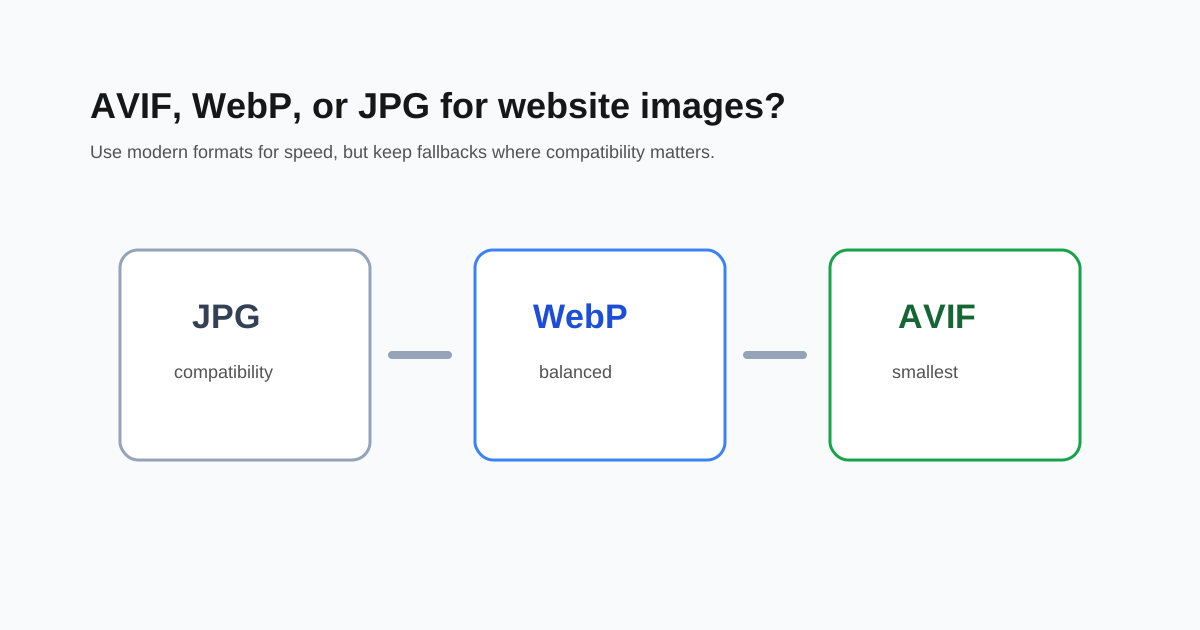
Use JPG for broad compatibility
JPG still works almost everywhere. It is a safe fallback for photos, email, older systems, and platforms that do not accept newer formats. The downside is that JPG is often larger than WebP or AVIF at similar quality.
Use WebP as the practical default
WebP is widely supported in modern browsers and often makes files smaller than JPG. It also supports transparency, which makes it useful for some graphics where JPG would fail.
- - Photos: WebP usually works well.
- - Product images: WebP is a strong delivery format.
- - Screenshots: compare against PNG if text is tiny.
- - Transparent graphics: WebP can preserve transparency.
Use AVIF when file size matters most
AVIF can be smaller than WebP, especially for photos and large visual assets. The tradeoff is slower encoding and slightly more compatibility planning. For a production website, AVIF plus WebP or JPG fallback is a strong setup.
Resize before converting formats
A 5000-pixel photo is still too large if the page only displays it at 900 pixels. Resize the image to its real display size first, then convert to WebP or AVIF.
Questions people ask
Is AVIF always better than WebP?
No. AVIF can be smaller, but WebP is often faster to create and easier to use as a practical default.
Should I delete JPG originals?
No. Keep originals as source files and use WebP or AVIF as delivery copies.
Which format is best for screenshots?
PNG or high-quality WebP can be better than JPG when screenshots contain small text.