Image compression · 5 min read · Updated June 2026
How to Compress an Image to 100 KB Without Ruining It
A 100 KB image limit sounds tiny until you know what the form actually needs. Most upload forms do not need a 4000-pixel phone photo. They need a readable ID photo, a profile image, or a document scan that fits their storage rules.
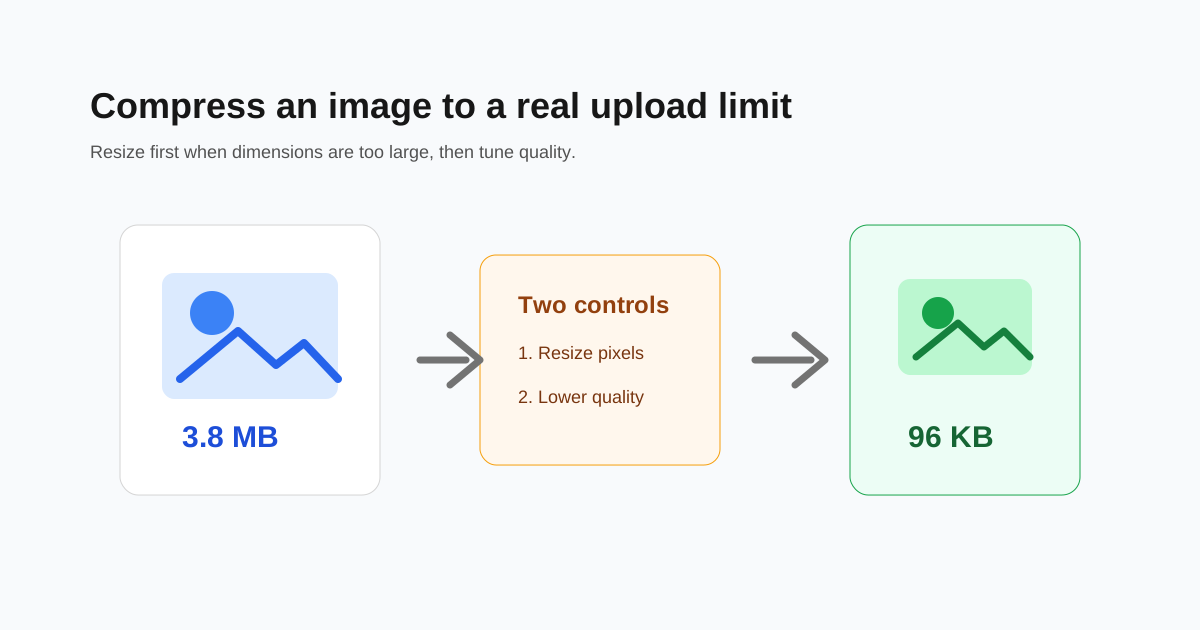
Resize before you lower quality
If the image is 4000 pixels wide and the form displays it at 600 pixels, lowering JPEG quality alone is the hard way. Resize the image first, then adjust quality.
This keeps details cleaner because the compressor has fewer pixels to store. A 1200-pixel image at good quality often looks better than a huge image crushed to very low quality.
Use the right format
JPG is usually best for photos. PNG is better for screenshots, logos, and images with flat colors, but PNG can be much larger for camera photos.
WebP can be smaller than JPG for web use, but some older upload forms still only accept JPG or PNG. Always check the allowed file types before converting.
- - Photo or ID image: JPG is usually safest.
- - Screenshot with text: PNG can stay sharper.
- - Website image: WebP is often the best delivery format.
- - Strict old portal: use JPG unless the form says otherwise.
Check readability at normal size
After compression, open the result and check the smallest text, face details, signatures, or QR codes. If the image only looks acceptable when zoomed out, it may be too compressed.
When 100 KB is too small
Some images simply cannot reach 100 KB without losing important detail. In that case, crop unnecessary background, resize more aggressively, or try a slightly larger limit if the portal allows it.
Questions people ask
Can every photo be compressed to 100 KB?
No. Simple profile photos often can. Detailed document scans or photos with lots of texture may become unreadable at 100 KB.
Should I resize or compress first?
Resize first if the image dimensions are much larger than needed. Then compress to reach the final file size.
Is JPG or PNG better for 100 KB?
JPG is usually better for photos. PNG is better for screenshots and graphics with text or flat colors.