Spreadsheet conversion · 6 min read · Updated June 2026
How to Convert CSV to Excel Without Breaking Columns
CSV looks simple, but small details can break the result in Excel. A comma may not be the delimiter, an accent may use the wrong encoding, or a ZIP code like 02118 may turn into 2118. Clean conversion starts by knowing what Excel might guess wrong.
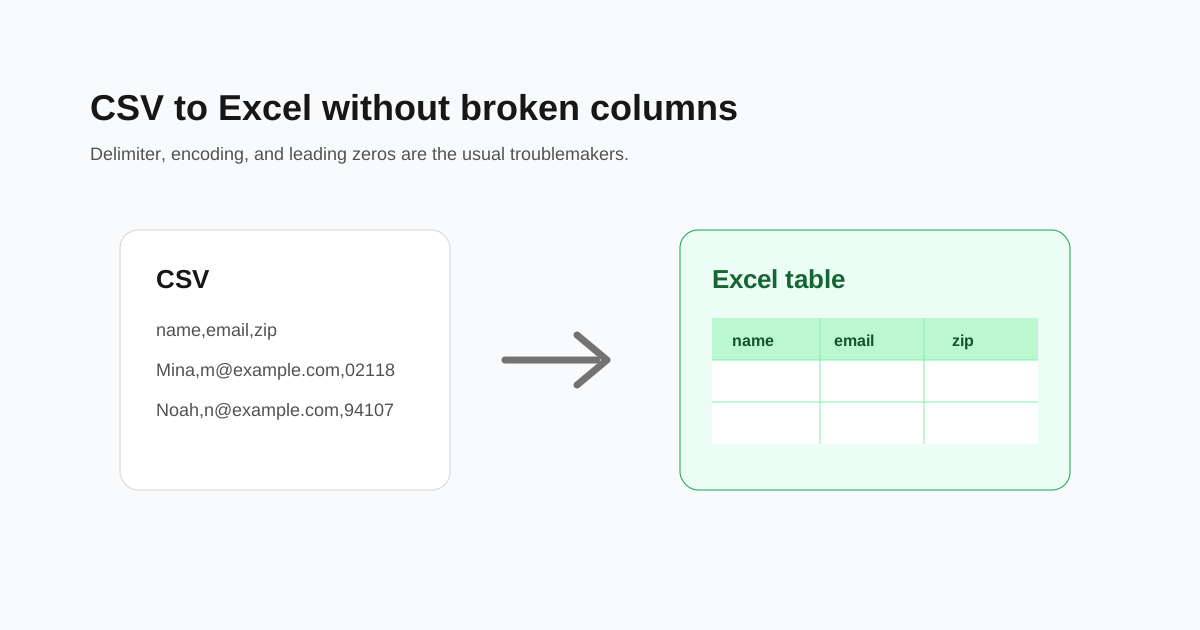
If everything appears in one column
The file probably uses a delimiter Excel did not expect. Some regions and export tools use semicolons instead of commas. Others use tabs.
Open the CSV in a text editor and look at one row. If fields are separated by semicolons, tabs, or pipes, convert with the matching delimiter instead of assuming comma-separated data.
Protect leading zeros
Excel likes to convert values that look like numbers. That can break ZIP codes, product codes, invoice IDs, and phone numbers.
If leading zeros matter, treat those columns as text after conversion. For files you control, quote those values in the CSV before importing.
- - ZIP code 02118 should stay 02118.
- - Product code 00042 should not become 42.
- - Long IDs should not become scientific notation.
- - Dates should keep the intended day/month order.
Fix strange characters
Broken accents usually mean the file encoding was read incorrectly. UTF-8 is the safest default for modern CSV files.
If names or cities show odd symbols, export the source again as UTF-8 or choose UTF-8 during conversion.
Check the first ten rows
Before sending the spreadsheet to a client or importing it into another system, check the first ten rows and a few rows near the end. Look for empty shifted columns, broken dates, and values that changed shape.
Questions people ask
Why does my CSV open in one Excel column?
Excel guessed the wrong delimiter. The file may use semicolons, tabs, or another separator instead of commas.
Why did Excel remove leading zeros?
Excel treated the value as a number. Codes, ZIP codes, and IDs should be kept as text.
Is XLSX better than CSV?
XLSX keeps sheets, formatting, and data types. CSV is better for simple data exchange between systems.