PDF cleanup · 5 min read · Updated June 2026
How to Fix Sideways Scanned PDF Pages Before Uploading
Sideways PDF pages usually come from scanners, phone cameras, or apps that saved the page with the wrong rotation. Fixing orientation before upload makes the document easier to review and helps OCR read the text correctly.
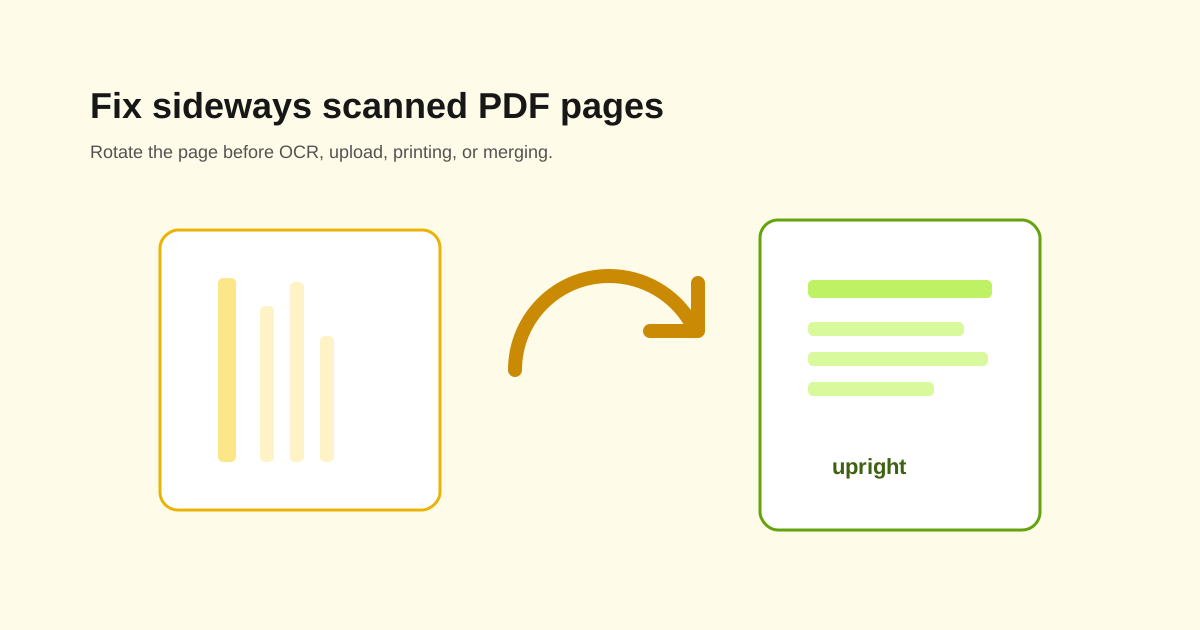
Rotate before you merge or OCR
If one page is sideways, fix it before merging the file into a larger packet. It is easier to correct a two-page scan than to hunt through a 70-page combined PDF later.
OCR also works better on upright pages. A sideways page may still be recognized, but errors are more likely.
Check whether all pages need the same rotation
Some scanner batches are consistently sideways. Others have only one or two pages wrong. Preview the thumbnails and rotate only the pages that need it.
- - Right 90 degrees for pages turned left.
- - Left 90 degrees for pages turned right.
- - 180 degrees for upside-down scans.
- - Review pages with landscape tables separately.
Do not confuse landscape pages with mistakes
A spreadsheet, diagram, or wide certificate may be intentionally landscape. Rotate only when the content is actually wrong for reading or upload.
Open the final PDF once
After rotation, open the file in a normal PDF viewer. Check the first page, any signature pages, and every page that looked suspicious in the thumbnail preview.
Questions people ask
Can I rotate only one page in a PDF?
Yes. Select the specific page and rotate it without changing the rest of the document.
Should I rotate before OCR?
Yes. Upright pages usually produce better OCR results.
Will rotating change file quality?
The page content should stay the same. The PDF stores a corrected orientation for the page.