Scanned PDFs · 6 min read · Updated June 2026
How to Make a Scanned PDF Searchable With OCR
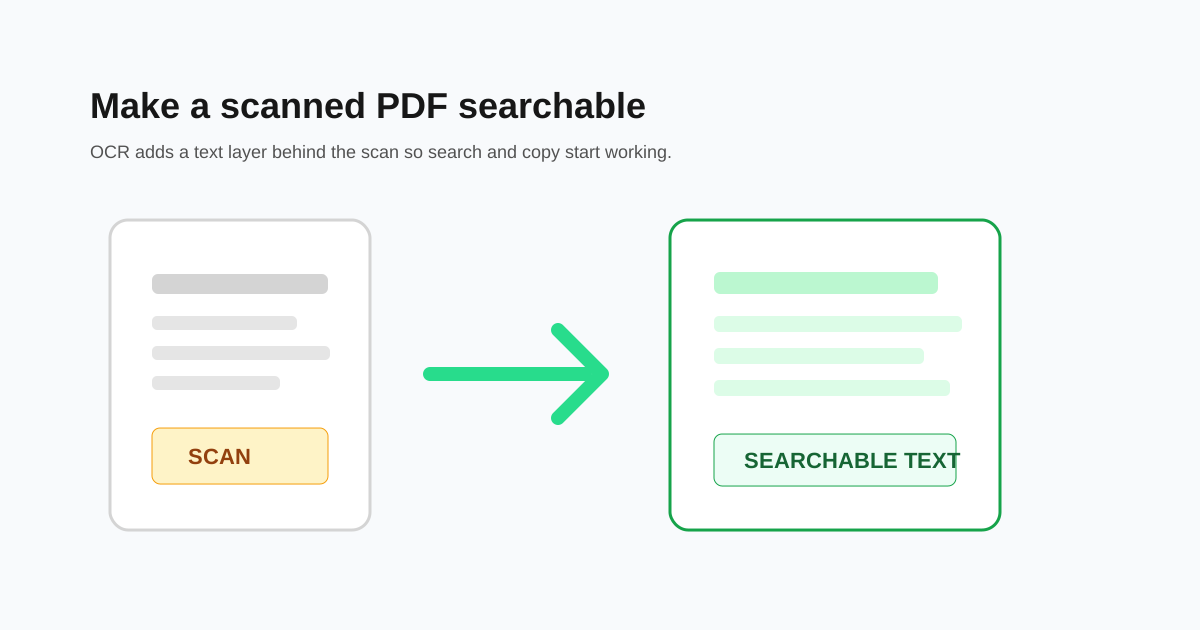
A scanned PDF can look like a normal document, but to your computer it may be only a stack of page images. OCR changes that by reading the letters in those images and adding searchable text behind the pages.
Check whether the PDF is really scanned
Open the PDF and try to select a single word. If you can highlight real text, the file may not need OCR. If the whole page behaves like one picture, it is scanned and OCR is the right next step.
This quick test saves time. Running OCR on a clean digital PDF usually does not help much, but running it on a scan can make search, copy, and Word conversion possible.
Clean the scan before OCR
OCR works best when the page is straight, sharp, and high contrast. If a phone scan is sideways, rotate it first. If there is a large desk background around the page, crop it first. If the scan is dark, retaking it may be better than trying to rescue it later.
- - Rotate sideways pages before OCR.
- - Crop large borders and desk backgrounds.
- - Use scans where letters are sharp at normal zoom.
- - Avoid heavy compression before OCR if text is already small.
What OCR can and cannot fix
OCR is good at printed text. It is weaker with handwriting, stamps, low-resolution photos, curved book pages, and tables with merged cells. It may also confuse similar characters such as O and 0, or I and 1.
For important documents, search for a few names, dates, totals, or reference numbers after OCR. If those are correct, the file is usually good enough for search and basic copy tasks.
Use the searchable PDF carefully
A searchable PDF is still the original scan visually. The OCR layer helps with search, copying, indexing, and conversion, but it may contain recognition errors. Do not paste OCR text into a legal, medical, or financial workflow without proofreading it.
Questions people ask
How do I know if a PDF needs OCR?
Try selecting a word. If you cannot select text and the page behaves like an image, the PDF probably needs OCR.
Will OCR change how my PDF looks?
Usually no. The visible scan stays the same while a searchable text layer is added behind it.
Can OCR read handwriting?
Sometimes, but handwriting is much less reliable than printed text. Always proofread handwritten OCR results.