PDF forms · 5 min read · Updated June 2026
Why You Should Flatten a Filled PDF Form Before Sending It
A filled PDF form can look perfect on your computer and still arrive blank for someone else. That usually happens because the answers are stored as interactive form fields, not fixed page content. Flattening solves that problem.
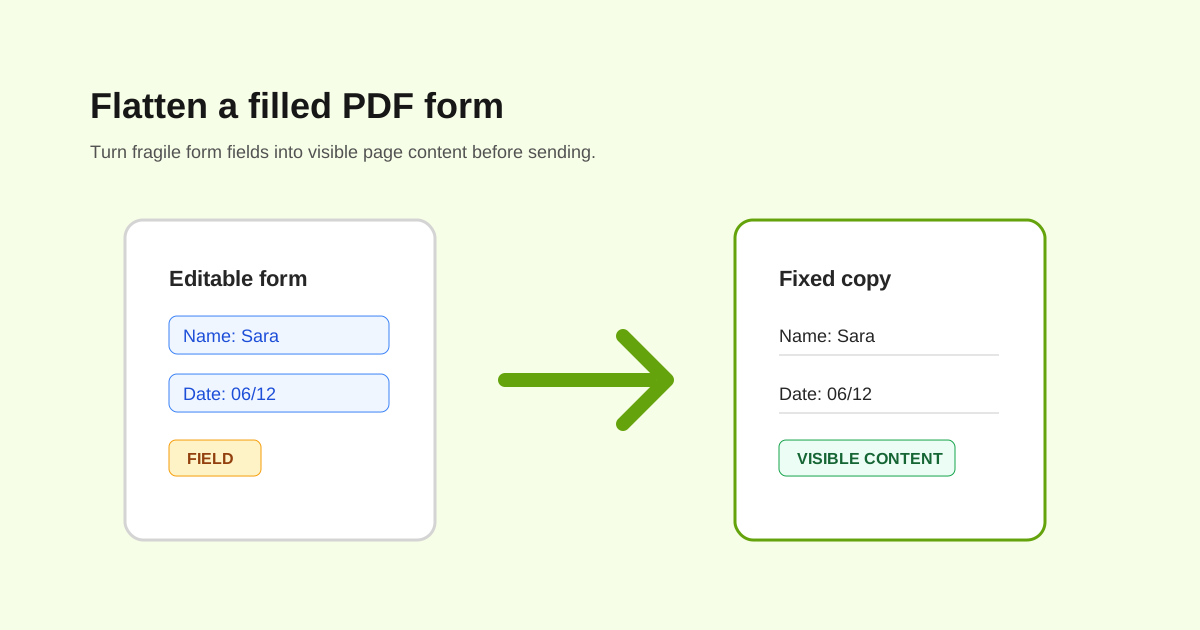
Flatten when the receiver only needs the final copy
If the form is complete and nobody else should edit the fields, flattening is usually safer. The receiver sees the typed answers, checkmarks, annotations, and visible marks as part of the page.
This is useful for school forms, HR paperwork, approvals, simple contracts, medical intake forms, and upload portals that reject interactive PDFs.
Keep an editable original
Flattening is hard to reverse cleanly. Keep the unflattened PDF until the form is accepted, especially if names, dates, totals, or signatures may need correction.
- - Fill the form first.
- - Add signatures or initials if needed.
- - Save an editable copy.
- - Flatten the final sending copy.
- - Open the flattened copy in a different viewer to check it.
Why form answers disappear
Different PDF viewers handle form appearances differently. A browser preview, mobile mail app, and desktop PDF reader may not render the same field data the same way. Flattening removes that dependency.
What flattening does not do
Flattening is not encryption, redaction, or certified digital signing. If the file is private, protect it with a password. If information must be hidden, redact it properly instead of covering it with a shape.
Questions people ask
What does flatten PDF mean?
It means turning form fields, annotations, or layers into fixed visible page content.
Can I edit a form after flattening?
Not like a normal fillable form. Keep an editable original before flattening.
Should I flatten before or after signing?
For everyday visual signatures, fill and sign first, then flatten if the receiver needs a fixed copy.