PDF cleanup · 5 min read · Updated June 2026
How to Remove Pages From a PDF Before You Upload It
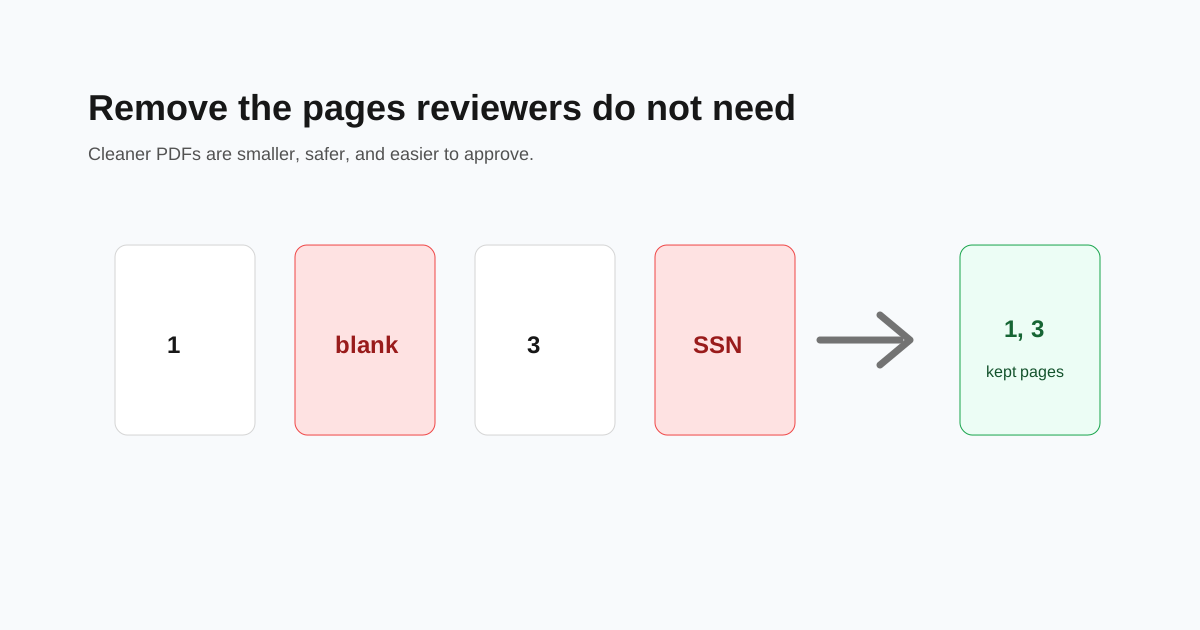
PDFs often collect pages nobody needs: blank scanner pages, duplicate receipts, old cover sheets, or pages with private details. Removing them before upload makes the file easier to review and lowers the risk of sharing more than you intended.
Decide whether to delete or extract
Use delete when most of the document should stay and only a few pages need to go. Use extract when you only need a small part of a large file.
For example, deleting page 8 from a 10-page contract is simpler than extracting pages 1-7 and 9-10. But if a 90-page statement only needs pages 3-5, extraction is cleaner.
Check for private pages first
Look for account numbers, tax IDs, medical information, full addresses, and pages that belong to another person. A PDF preview pass takes less than a minute and can prevent awkward mistakes.
- - Blank scanner pages
- - Duplicate pages from a phone scan
- - Instruction pages the receiver already has
- - Old statements outside the requested date range
- - Pages with private details that are not required
Keep page numbering in mind
If the document has printed page numbers, deleting a page may create a visible gap. That is usually fine for receipts and statements, but not always fine for contracts or legal documents.
When page continuity matters, add a short note in the portal message explaining which pages were removed and why.
Compress after cleanup
Deleting unnecessary pages is the best compression method because it removes content entirely. After cleanup, compress the PDF only if the upload form still rejects the file size.
Questions people ask
Can I delete one page from a PDF?
Yes. Open the PDF, select the page you do not want, delete it, and download the cleaned copy.
Does deleting pages change the original file?
No. You download a new PDF. Keep the original if you may need the full document later.
Should I delete or split a PDF?
Delete pages when most of the file stays. Split or extract pages when you only need a small section.